Colors
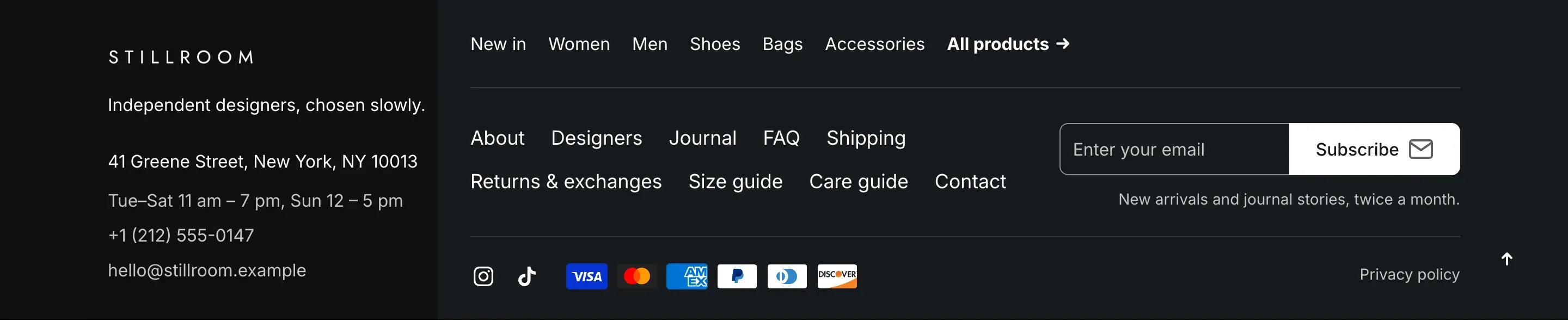
Alpha Start uses color schemes. A color scheme is a named set of colors: background, text, accent, borders and buttons. You set up schemes once in theme settings and then pick a scheme in each section, such as the header, the footer or a banner.
Edit a color scheme
Section titled “Edit a color scheme”- In the theme editor, open Theme settings → Colors.
- Click the scheme you want to change, or add a new scheme.
- Change the colors. Every section that uses this scheme updates in the preview.
- Click Save.
To apply a scheme, open a section and choose it in the section’s Color scheme setting.
Color scheme reference
Section titled “Color scheme reference”| Setting | What it does | Default |
|---|---|---|
| Background | Background color of sections that use the scheme. | #FFFFFF |
| Background gradient | Info in the editor: “Gradient replaces solid background where supported”. | Empty |
| Text | Main text and icon color. | #161A1D |
| Secondary text | Less important text, such as captions and old prices. | #6C7177 |
| Accent | Color of links and accents. | #0678A8 |
| Borders | Lines and outlines of cards, inputs and dividers. | #EDEDED |
| Primary button → Background | Fill color of primary buttons. | #0678A8 |
| Primary button → Label | Text color of primary buttons. | #FFFFFF |
| Secondary button → Border | Outline color of secondary buttons. Secondary buttons have no fill and show the scheme background. | #0678A8 |
| Secondary button → Label | Text color of secondary buttons. | #161A1D |
Product badges
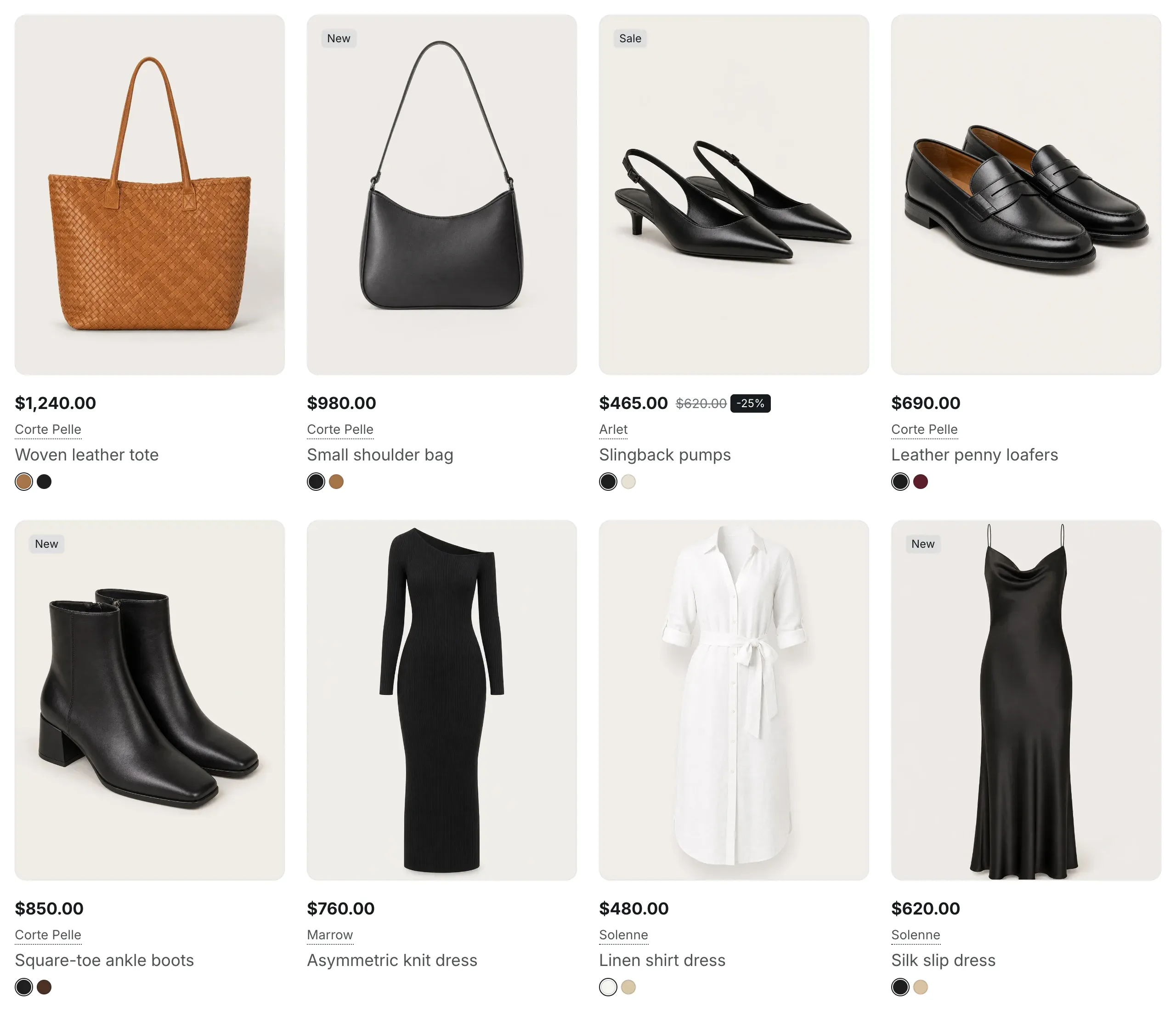
Section titled “Product badges”The Product badges group sets the colors of small badges:
- Sale colors are used for the discount badge next to a reduced price (for example, “-25%”), for the savings line in the cart and for the “Sale” badge on the featured product in the header.
- New colors are used for the “New” badge on the featured product in the header. The badge appears when the product has the tag
new. - Sold out colors are the colors for the “Sold out” badge.
| Setting | What it does | Default |
|---|---|---|
| Sale background | Background of sale and discount badges. | #FFA940 |
| Sale text | Text of sale and discount badges. | #161A1D |
| New background | Background of the “New” badge. | #A4CE25 |
| New text | Text of the “New” badge. | #161A1D |
| Sold out background | Background of the “Sold out” badge. | #94999E |
| Sold out text | Text of the “Sold out” badge. | #161A1D |