Typography
Alpha Start uses two fonts: one for headings and one for body text. Both come from the Shopify font library, so you don’t need to upload font files.
Change the fonts
Section titled “Change the fonts”- In the theme editor, open Theme settings → Typography.
- Under Headings, click Change and pick a font.
- Under Body, click Change and pick a font.
- Choose the Body text size.
- Click Save.
How the fonts are used
Section titled “How the fonts are used”- Headings is used for page titles, section headings and other large titles. The theme also loads the bold and italic styles of the font when they are available.
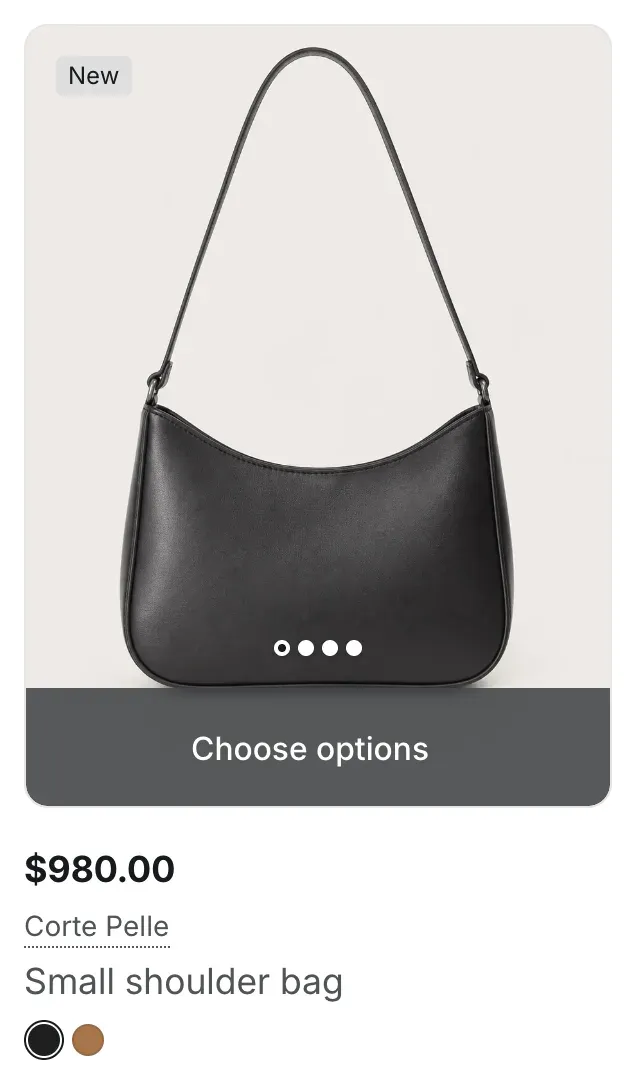
- Body is used for everything else: paragraphs, menus, product titles, prices, buttons and forms. Where the theme needs medium emphasis, it uses the medium (500) weight of the body font when the font has it.
Settings reference
Section titled “Settings reference”| Setting | What it does | Default |
|---|---|---|
| Headings | Font for headings. | Inter, bold |
| Body | Font for body text. | Inter, regular |
| Body text size | Size of body text. Options: 15px, 16px. | 16px |